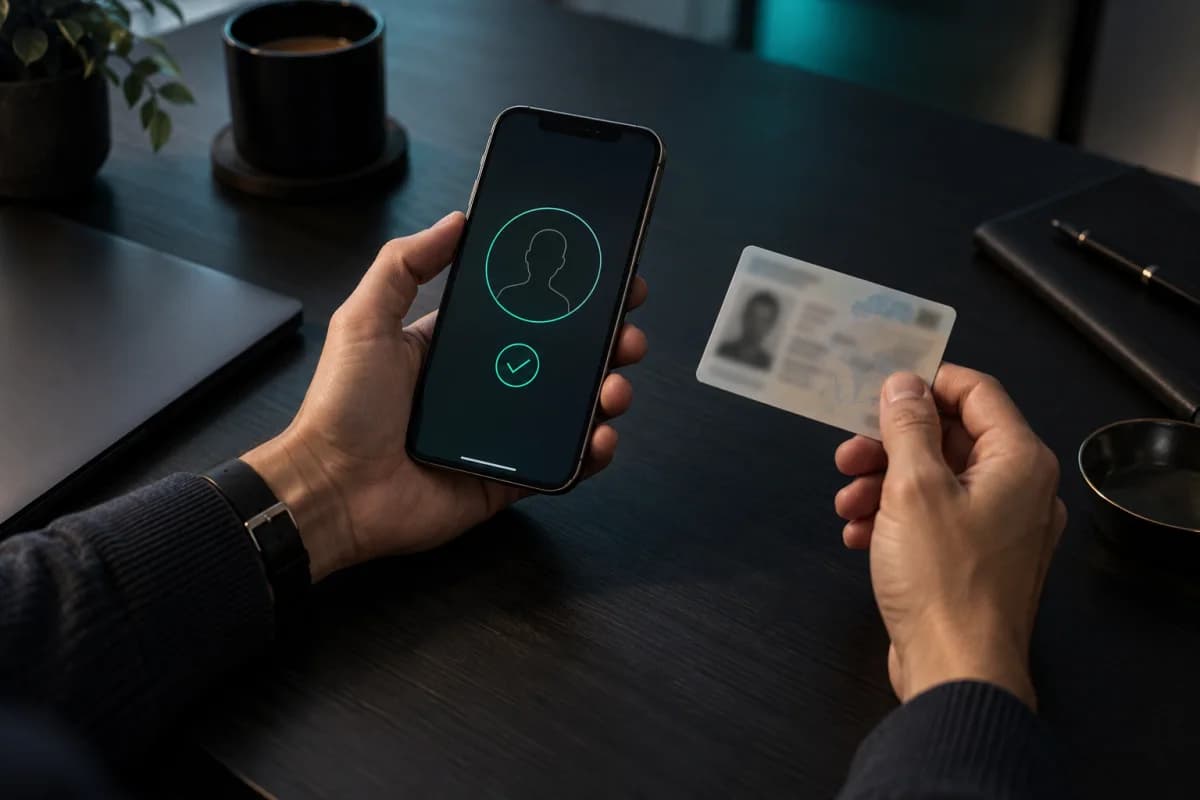
Fintech & KYC
Remote Identity Verification
Match a selfie against the photo on an ID document, with liveness in the same step, for onboarding that would otherwise sit in a review queue.
eKYCOnboardingActive Liveness
Active liveness, built in
Verification and identification over HTTP, with a liveness endpoint beside them that tells a live face from a printed photo or a screen before you trust a match.
An example request: a POST to the identify endpoint of a collection, sending one captured image and a match threshold of 0.45. The response comes back in 229 milliseconds with a single match on employee 4401, at a confidence of 0.97.
Vector search time
Benchmark accuracy
Enterprise rate limit
Audit-logged operations
Capabilities
Isolated collections per tenant, keys scoped to one of them, webhooks for every event, and an audit record of each call.
Check one face against one identity, or against every identity in a collection. The search runs on a vector index, so adding people does not make it linearly slower.
The client asks for a blink and checks that it happened, on top of a passive model that looks for the flatness of a printed photo or the moiré of a screen.
Age, gender, glasses, mask, head pose, and an image-quality score, returned from the same upload.
One query over several collections, or every collection in the organization, when you do not know where a person was enrolled.
Two images in, a similarity score out. Nothing is stored, which suits a one-off check against a document photo.
The same API either way. GPU is there for throughput, not for a feature you would otherwise be missing.
How it works
Step 01
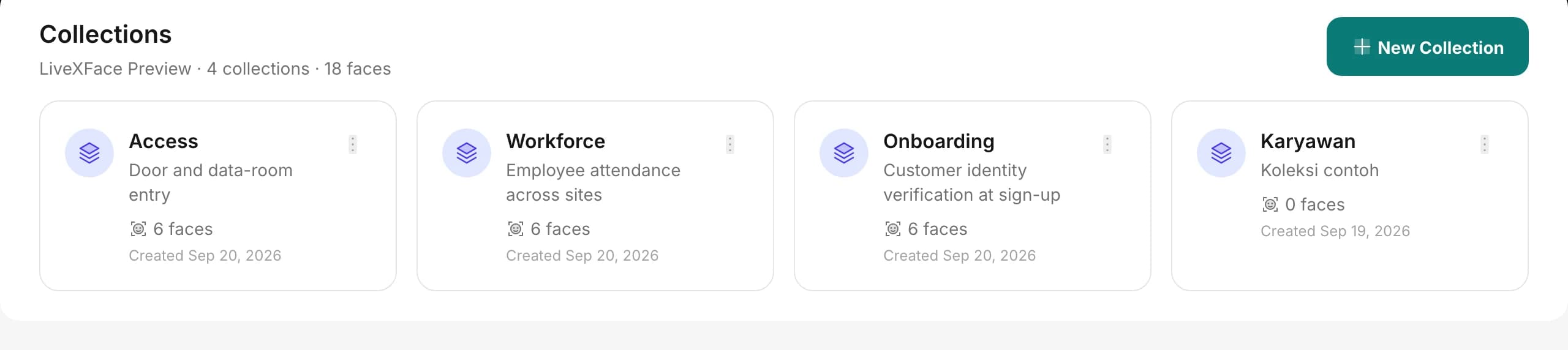
One collection per application, tenant, or workflow, each with its own access scope and limits.
Step 02
Send an image and an identifier of your own. Detection, quality checks, and embedding storage are handled for you.
Step 03
/verify for 1:1 matching, /identify for 1:N search. Confidence scores and match metadata come back in real time.
The console
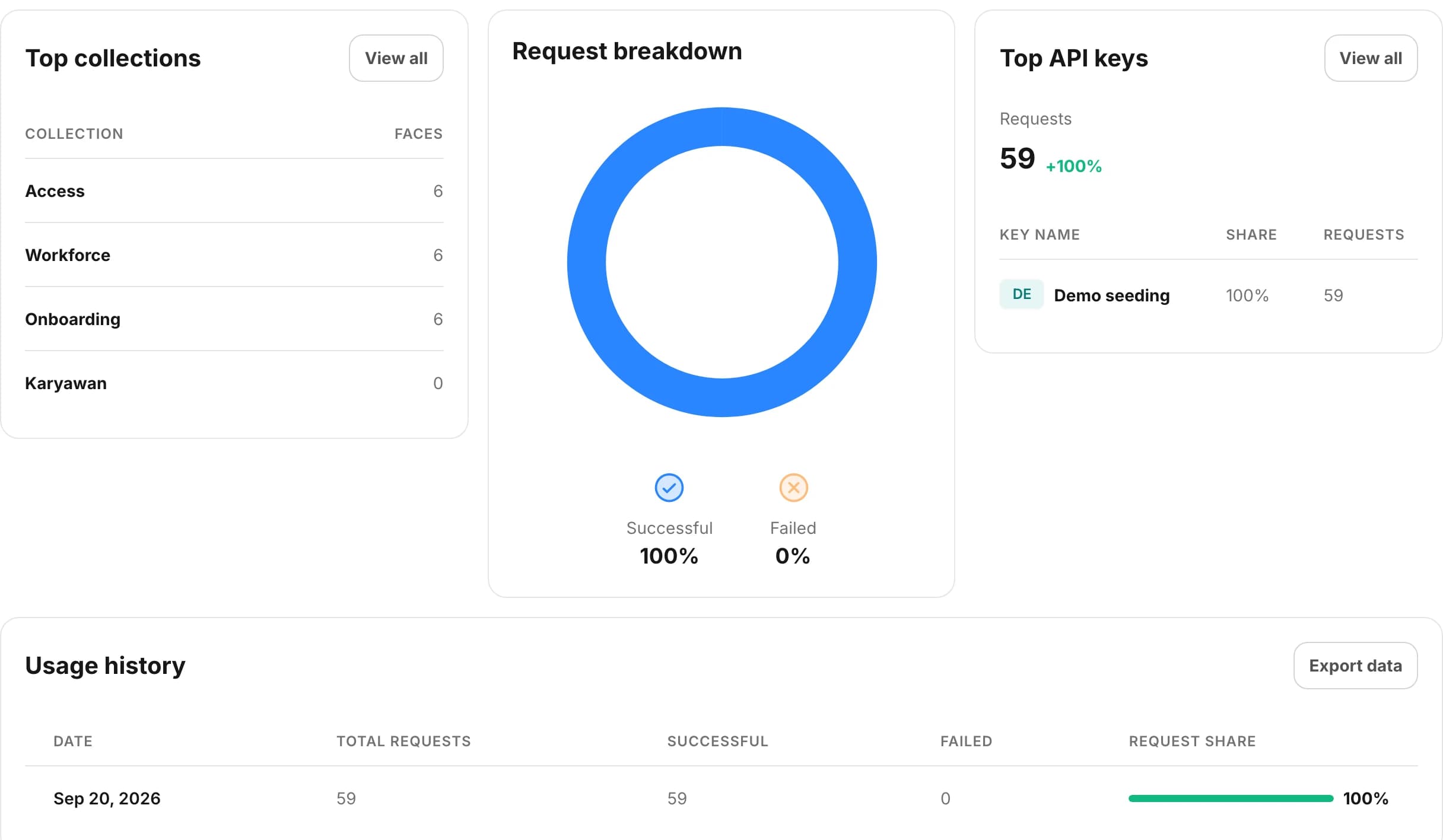
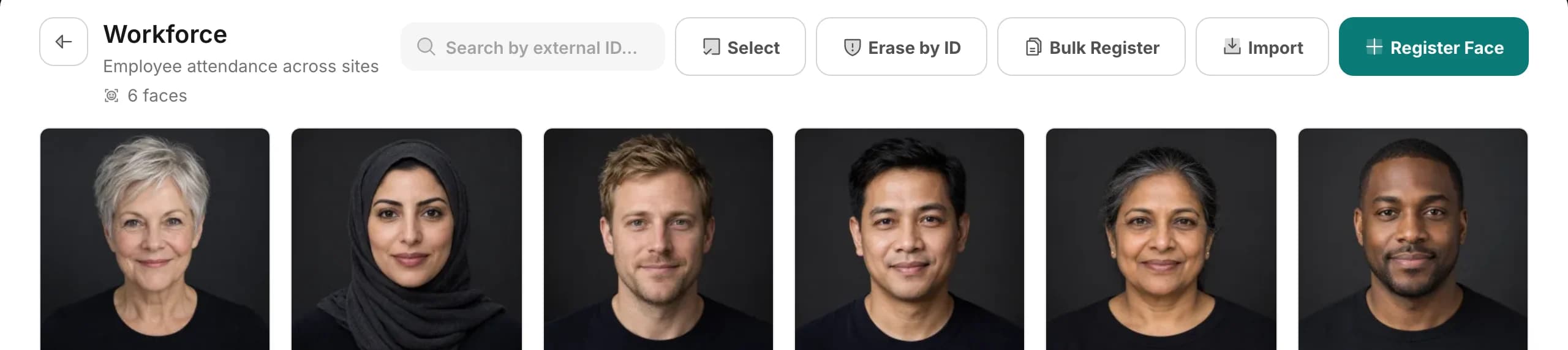
Collections, keys, usage and the audit trail are all in one place, so the parts you integrate against are the parts you can watch.
Where it runs
What changes between them is the policy around the call — retention, who may enrol, how much proof a match needs — not the integration.
Fintech & KYC
Match a selfie against the photo on an ID document, with liveness in the same step, for onboarding that would otherwise sit in a review queue.

HR & Workforce
Face check-in in place of punch cards, across any number of sites on one API key, with liveness so a photo of a colleague will not clock in.

Access Control
Office doors, data rooms, and admin dashboards behind the same verify call, fast enough to sit on a turnstile.

Healthcare
Confirm identity at intake and dispensing. Retention policies purge biometric data on a schedule you set.
Pricing
You pay by plan, not by request — the same bill whether you run a thousand verifications this month or a million.
Worth knowing
Easier to know now than to find out halfway through an integration.
On-premise deployment with offline license activation, for data that is not allowed to leave your network.
Read the docs about it runs on your own hardwareEach API key is scoped to a single collection, with its own rate limit and IP allowlist. Keys are stored hashed.
Read the docs about keys belong to one collectionSubmit ten thousand faces as a batch and poll for the result, instead of holding a request open while they process.
Read the docs about enrolment can run as a jobAfter a high-confidence match, the query image is kept as an additional embedding for that person — capped, and rate-limited so one busy day cannot flood a record.
Read the docs about identities sharpen with useWebhooks fire on enrolment, matches, and batch completion, so you are not polling for state you could have been told about.
Read the docs about events reach your systemEvery error returns a documented code and message, including the ones you will hit at three in the morning.
Read the docs about failures have codesThree collections, 10,000 faces, and 100 requests a minute, with no card and no expiry date. Move up a plan when you outgrow it.